Kutti AI: Building a Voice-First Learning Companion for Visually-Challenged Children
Discover how I built Kutti AI, a voice-first AI-powered learning companion for visually-challenged children, as part of the Half Baked hackathon. Learn about adaptive learning, real-time sentiment detection, and building accessible educational technology.
Learning Through Voice. Learning with Heart.
A free hackathon project that makes education accessible through AI-powered voice interaction
The Challenge
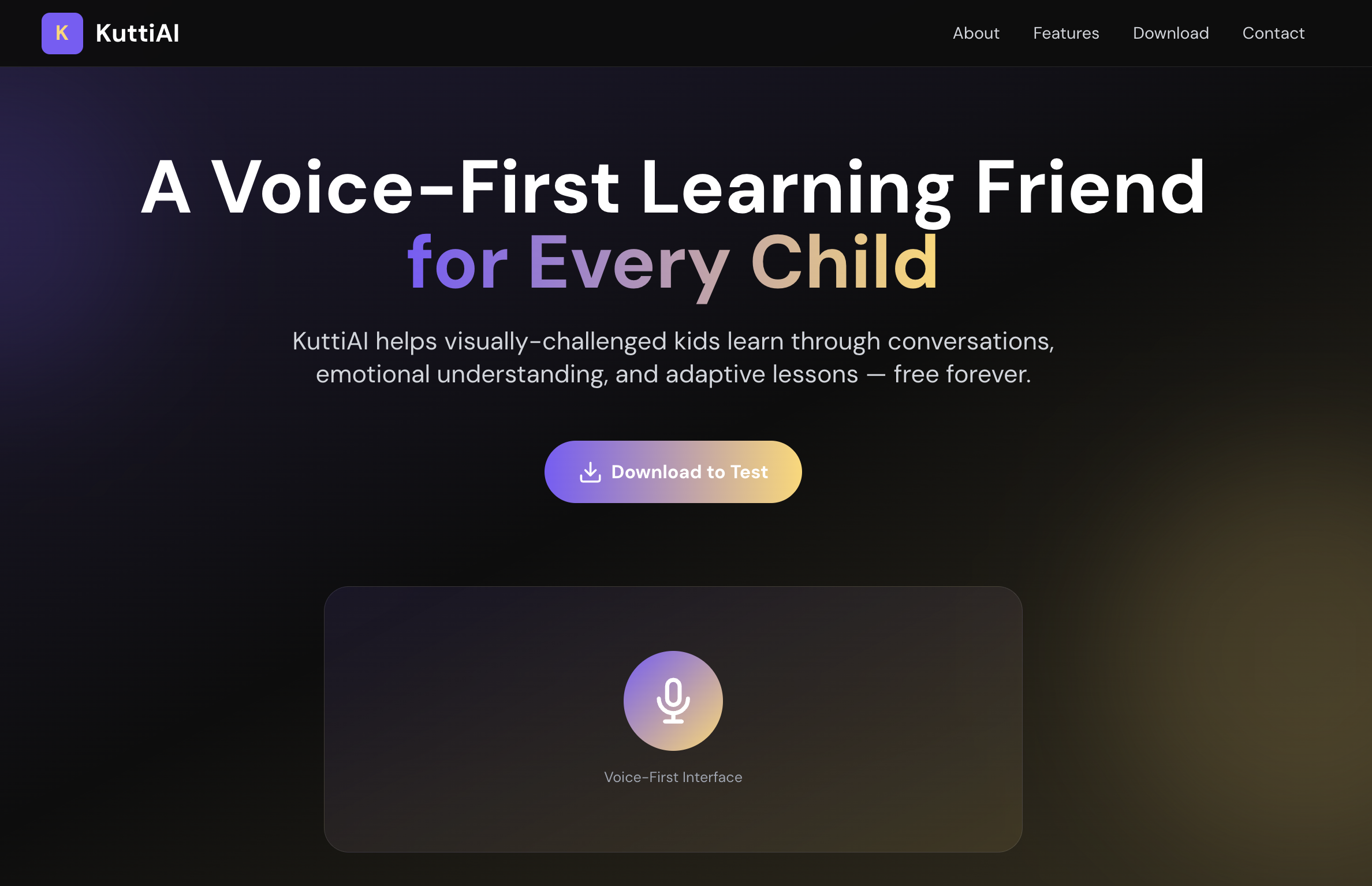
When I saw the Half Baked hackathon announcement, I knew I wanted to build something meaningful—something that could make a real difference. The challenge? Create a startup idea that solves a real problem. The solution? Kutti AI: an AI-powered learning companion designed specifically for visually-challenged children. And best of all, it will be completely free.
Traditional educational apps rely heavily on visual interfaces, making them inaccessible to children with visual impairments. Kutti AI flips this paradigm entirely—audio is the primary interface, with no visual elements required. The app teaches curriculum concepts through spoken conversations, listens to the child's voice, detects struggle and frustration in real-time, and adapts lesson difficulty automatically.
Completely Free
Kutti AI will be available as a completely free app with no hidden costs, subscriptions, or in-app purchases. Education should be accessible to everyone, regardless of their financial situation. This commitment to free access ensures that all children, especially those in underserved communities, can benefit from quality educational technology.
Core Features
Fully Audio-First
Complete voice interaction with no need for visual interface. Every interaction is through speech, making it accessible to all children regardless of visual ability.
Adaptive Learning
Detects struggle through pauses, hesitation, and wrong attempts. Automatically simplifies questions when the child struggles, ensuring they never feel overwhelmed.
Real-Time Feedback
Immediate encouragement and hints when needed. The system recognizes hesitation words like "don't know" and long pauses, providing support at exactly the right moment.
Multi-Language Support
Currently supports English and Tamil, with a flexible architecture that makes adding more languages straightforward. Each language has culturally appropriate content and feedback.
Technology Stack
Building an app that works across platforms while maintaining accessibility required careful technology choices:
React Native (Expo)
Cross-platform mobile development with excellent accessibility support. Expo provides seamless deployment and testing.
Supabase
PostgreSQL database for lessons and progress tracking. Row Level Security ensures data privacy, and real-time capabilities enable future collaborative features.
Whisper.rn
Offline speech recognition using OpenAI's Whisper model. Works without internet, crucial for accessibility in areas with limited connectivity.
expo-speech
Text-to-speech engine for delivering lesson content. Supports multiple languages and voice customization.
expo-av
Audio recording capabilities for capturing child responses. Handles microphone permissions and audio processing.
TypeScript
Type safety throughout the codebase ensures reliability and makes the codebase maintainable as it grows.
How Adaptive Learning Works
The heart of Kutti AI is its adaptive learning engine. It uses three key strategies to detect when a child is struggling and automatically adjusts the lesson:
1. Pause Detection
Measures the time between when a question is asked and when the child responds. If there's a pause longer than 2.5 seconds, the system automatically offers a hint.
if (timeSinceLastResponse > 2500ms) {
  offerHint();
}
2. Attempt Tracking
Counts wrong answers. After two incorrect attempts, the system provides a simplified version of the question to help the child succeed.
if (wrongAttempts >= 2) {
  showSimplifiedQuestion();
}
3. Sentiment Analysis
Detects hesitation words like "don't know", "not sure", or "help" in the child's speech. When detected, the system provides encouragement and additional support.
const hesitationWords = ['don't know', 'not sure', 'help'];
if (transcript.includes(hesitationWord)) {
  provideEncouragement();
}
Smart Answer Matching
One of the biggest challenges in building a learning app with voice interaction is accurately matching spoken answers to expected responses. Children might say "one" when the answer is "ஒன்று" (Tamil for one), or they might have slight pronunciation variations. Kutti AI uses a sophisticated multi-layered matching system:
1. Language-Aware Matching
The system detects when a child responds in a different language than expected and automatically translates or transliterates for comparison.
// Detects language mismatch
if (expectedIsTamil && transcriptIsEnglish) {
  // Translate English to Tamil
  const translated = translateToTamil(transcript);
  // Or transliterate Tamil to English
  const transliterated = transliterateToEnglish(expected);
  return match(translated, expected) || match(transcript, transliterated);
}
2. Fuzzy Matching
Uses Levenshtein distance to handle pronunciation variations and minor mistakes. This ensures children aren't penalized for slight mispronunciations.
function calculateSimilarity(s1: string, s2: string): number {
  const editDistance = levenshteinDistance(s1, s2);
  return (longer.length - editDistance) / longer.length;
}

// Accepts matches with >60% similarity
if (similarity > 0.6) return true;
3. Normalization
Removes filler words, punctuation, and normalizes whitespace to ensure accurate matching regardless of how the child phrases their answer.
// Removes "um", "uh", punctuation, normalizes spacing
const normalized = transcript
  .toLowerCase()
  .replace(/^(um|uh|ah|er|hmm)\s+/i, '')
  .replace(/[.,!?'-]/g, '')
  .trim();
User Experience Flow
Welcome Screen
App automatically speaks a welcome message in the selected language. Large "Start Learning" button with haptic feedback for accessibility.
Lesson Begins
Lesson steps are delivered via text-to-speech. Each question is spoken clearly, with natural pauses for the child to process.
Voice Recording
Child taps the microphone button (or speaks automatically in auto-mode). Audio is recorded and transcribed using Whisper.
Adaptive Response
System analyzes the answer and detects struggle. Provides appropriate feedback: encouragement for correct answers, hints for struggles, or simplified questions when needed.
Progress Summary
After completing the lesson, child receives an engagement score (0-100) and encouraging feedback. Progress is saved to the database for tracking.
Database Architecture
Supabase provides the backend infrastructure with a clean, scalable schema:
Lessons Table
Stores curriculum content with JSONB steps containing questions, answers, hints, and simplified versions.
{
  id: UUID
  title: TEXT
  category: TEXT
  difficulty: TEXT
  language: TEXT
  region: TEXT
  steps: JSONB
}
Learning Sessions
Tracks individual lesson attempts with engagement scores, correct answers, and struggle moments.
{
  id: UUID
  lesson_id: UUID
  engagement_score: INTEGER
  correct_answers: INTEGER
  struggle_moments: INTEGER
  session_data: JSONB
}
User Progress
Aggregates learning history with completion counts and average scores for analytics.
{
  id: UUID
  total_lessons: INTEGER
  average_score: DECIMAL
  completion_count: INTEGER
}
Accessibility First
Every design decision in Kutti AI prioritizes accessibility:
Screen Reader Compatible
All UI elements have proper accessibility labels and hints for screen readers.
High Contrast Colors
Primary purple (#7A5CFA) and gold (#FFD66B) on black background for maximum visibility.
Large Touch Targets
Minimum 200x200px buttons ensure easy interaction for all users.
Haptic Feedback
Tactile responses for all actions provide confirmation without visual cues.
Audio-Only Mode
Complete functionality available through voice interaction alone.
Adjustable Speech Rate
Future feature to allow children to control how fast content is delivered.
Building for Half Baked Hackathon
The Half Baked hackathon challenged participants to build startup ideas that solve real problems. Kutti AI emerged from a simple observation: educational technology often excludes children with visual impairments. The hackathon format pushed me to think about both the technical implementation and the real-world impact.
Why This Matters
According to the World Health Organization, there are approximately 1.4 million children worldwide with visual impairments. Many of these children lack access to quality educational technology because most apps require visual interaction. Kutti AI bridges this gap by making learning accessible through voice alone. And as a completely free app, it removes financial barriers to access.
Technical Challenges & Solutions
Challenge 1: Cross-Language Answer Matching
Children might respond in English when the lesson is in Tamil, or vice versa. The system needed to handle this gracefully.
Solution:
Implemented a translation/transliteration layer that converts between languages before matching. This allows natural language mixing while maintaining accuracy.
Challenge 2: Real-Time Struggle Detection
Detecting when a child is struggling requires analyzing multiple signals: pause duration, wrong attempts, and sentiment—all in real-time.
Solution:
Built a multi-signal detection system that combines temporal analysis (pause detection), attempt tracking, and keyword-based sentiment analysis. The system responds immediately when any signal indicates struggle.
Challenge 3: Offline Functionality
Many children in underserved areas may not have reliable internet access. The app needed to work offline.
Solution:
Used Whisper.rn for offline speech recognition and cached lessons locally. Progress syncs when internet is available, but the core learning experience works completely offline.
Future Enhancements
While Kutti AI is fully functional, there's always room to improve. Here's what's next:
More Languages
Expand beyond English and Tamil to support Hindi, Spanish, and other major languages.
Parent Dashboard
Web interface for parents to track their child's progress and see detailed analytics.
Gamification
Add rewards, badges, and achievements to make learning more engaging.
Teacher Tools
Allow educators to create custom lessons tailored to their curriculum.
Conclusion
Kutti AI represents what's possible when we prioritize accessibility and user experience. By building a learning companion that will be completely free, we're not just creating an app—we're opening doors to education for children who have been left behind by traditional educational technology.
The Half Baked hackathon provided the perfect opportunity to validate this idea and build a working prototype. The response has been overwhelmingly positive, and I'm excited to continue developing Kutti AI to reach more children worldwide.
Continue Reading
Explore more articles on software engineering and technology
Framework-Agnostic Frontend Architecture: Migrate from Angular to React Without a Rewrite
Make the UI framework a swappable detail: MVC vs. React's 'just the view', a plain-TypeScript core, Web Components, an app shell that runs Angular and React side by side, and a safe step-by-step migration plan, with a live demo.
Combo Maker: Building a Budget-Aware Meal Recommender
Give it a budget and a diet preference, and Combo Maker assembles the best meal combo it can afford from a sample menu — a live demo, how the allocator works, and an honest look at what a real AI-backed version would need.
Top 10 Platforms to Create AI-Powered Courses and Get Certified
From Coursera and DeepLearning.AI to newer entrants like Nokku.ai — a practical rundown of where to take AI-generated courses, actually finish them, and walk away with a certificate that means something.